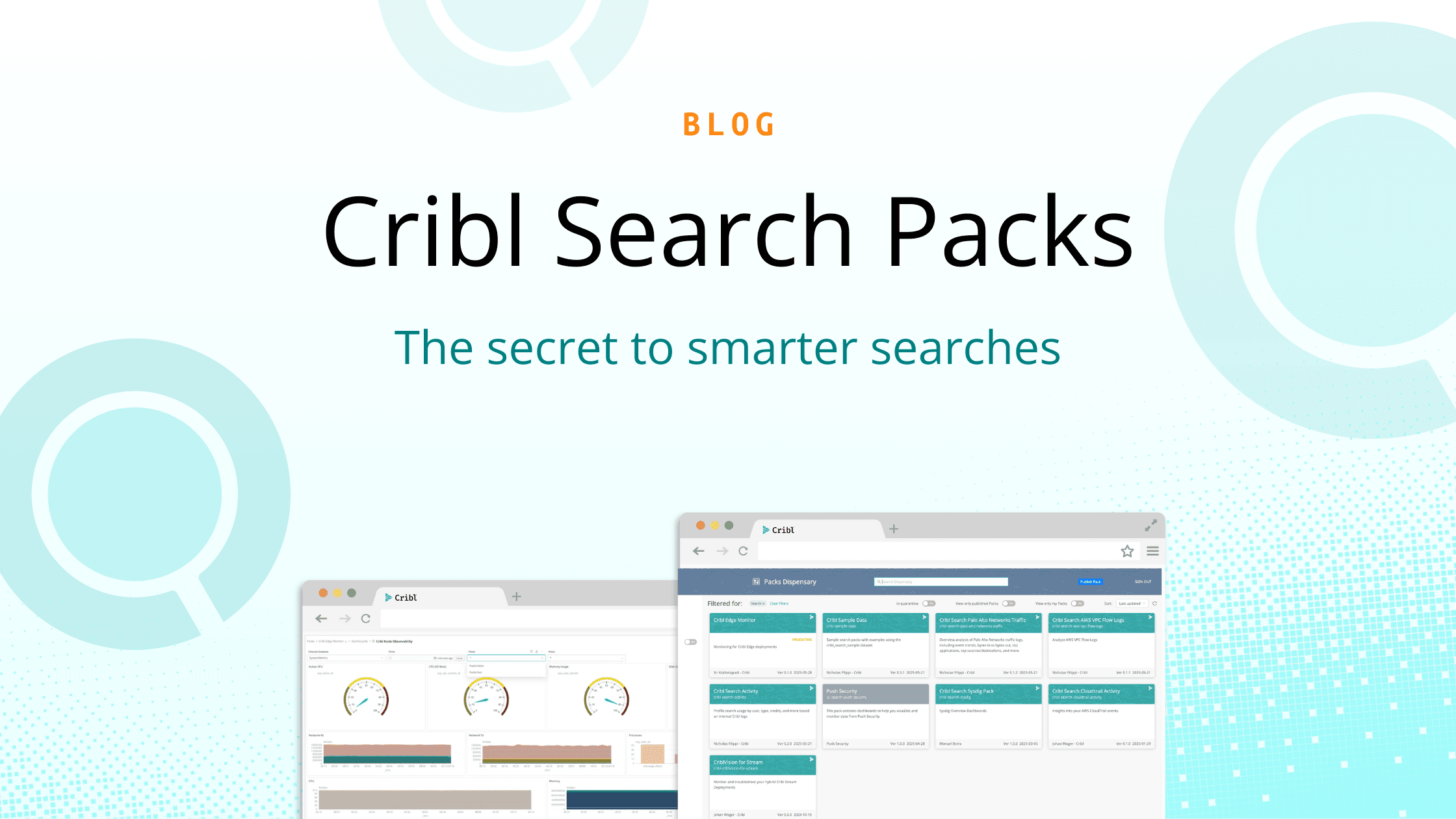


Allow us to (re)introduce Cribl Search Packs. It’s been over a year since we first launched them, and they’ve quietly picked up traction by our most advanced Cribl Search users. But now with a steady stream of new, dedicated Packs built by Cribl Solutions Engineers and our community, interest and adoption are picking up fast. It felt timely to reintroduce Search Packs and provide dedicated, helpful resources around them. But first, let’s back up. What exactly is Cribl Search—and what’s a Search Pack?
Cribl Search lets you run powerful, federated queries directly on your data at rest. No re-ingestion. No duplication. No crazy costs. Just fast, flexible answers right where your data already lives.
A Cribl Search Pack offers a streamlined approach to packaging, sharing, and installing reusable configuration bundles tailored to a specific data source or use case. Much like the original Stream Packs for pipelines, lookups, and data-processing workflows, these Search Packs help you unlock the value in your datasets far faster — shortcutting the usual “from zero to one” setup friction.
Without Search Packs, getting real value out of your data could mean starting from scratch: building dashboards, crafting searches, maintaining lookups, and piecing together the right filters and fields just to answer basic questions. Even seasoned users found themselves spending too much time reinventing the wheel.
For new users, the learning curve could feel even steeper, slowing down adoption and delaying insights. All of this added friction makes it harder to move fast, stay consistent, and get actionable visibility across your data.
Search Packs eliminate that friction. Instead of rebuilding patterns from scratch, you can tap into proven searches, enrichments, and workflows that accelerate investigations and make discovery intuitive. Pair them with Cribl Notebooks, and suddenly exploration becomes even easier — run searches faster, iterate in real time, and visualize results without bouncing between tools. It’s a shortcut to insight, enabling teams to work smarter, share knowledge, and turn raw data into answers in a fraction of the time.
What’s in a Pack?
A Cribl Search Pack gives you a ready-made, use-case-optimized bundle. A typical pack could include:
Prebuilt dashboards and panels — curated visualizations (charts, tables, graphs) designed for common use cases (e.g. traffic monitoring, log analysis, system or environment health).
Saved searches / queries — reusable query definitions you can run immediately on your datasets without having to start from scratch.
Macros, lookups, and other knowledge objects — reusable building blocks (like enrichment lookups, parsers, regex/grok patterns) that enhance and normalize your data for analysis.
Predefined dataset configurations or samples (when included) — for packs targeting sample data or commonly used data types, this gives you out-of-the-box data to explore/search without needing to onboard raw data first.
Optional environment-wide monitoring/observability dashboards (for deployments like Edge or Stream + Search) — if you’re using related products (e.g. Edge/Stream), some Packs include dashboards that surface system metrics (CPU, memory, I/O, network), deployment health, and data-flow statuses.
Ultimately, a Cribl Search Pack gives you instant visibility and analytics without the need for extensive manual setup.That means less time wrestling with configuration and more time getting meaningful insights — all while keeping your data where it belongs.
Steps to Get Started
From Cribl Search, navigate to Packs > Add Pack > Add from Dispensary, find Cribl Search Corelight, open the tile, select Add Pack.
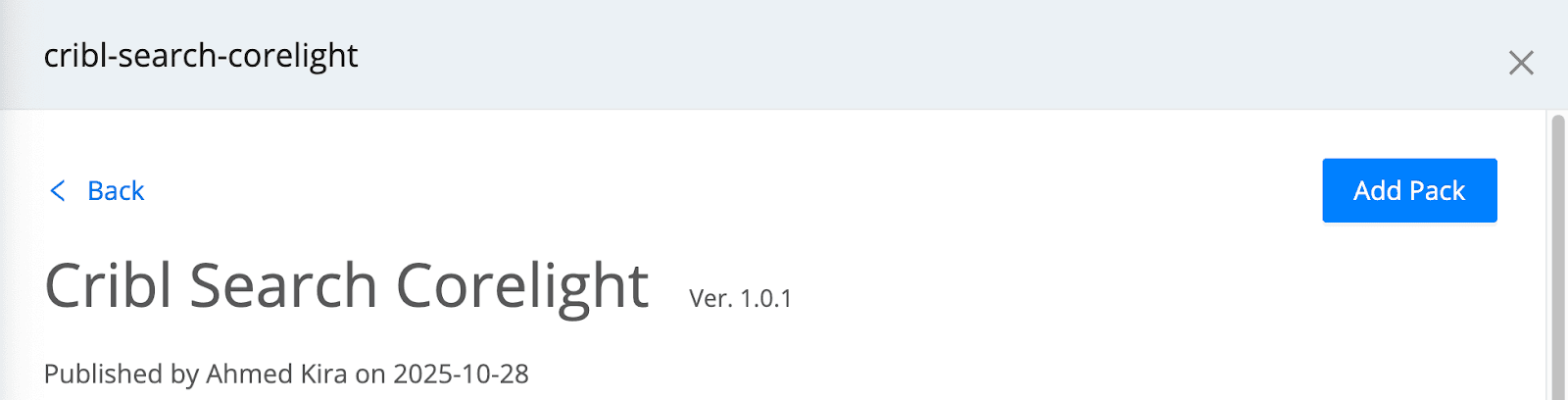
Navigate back to Packs, open Cribl Search Corelight > Pack Settings > README and complete any additional required steps.

Questions? Ask the #packs channel in the Cribl Community Slack.
To dive deeper into using Search Packs, check out Cribl Docs.
Highlighting Three Packs
There’s currently over 20 Search Packs available, and each will get its own dedicated spotlight with a video walk-through and blog post. But to not get in trouble with our social guy for exceeding his recommended word count for a blog post (Hi Bradley!), for this one, we will highlight just three of our most popular Search Packs:
Corelight
Built by: Ahmed Kira | Try this pack | Watch video
The Challenge: Corelight provides unparalleled network visibility, generating rich, high-fidelity data. But leveraging this data for long-term threat hunting or deep forensics often means paying high ingestion costs into a SIEM.
How this Pack helps: Get full-fidelity network forensics without the SIEM ingestion bill. This pack enables you to query your massive Corelight logs directly in your data lake, ensuring you retain 100% of the security value without the associated costs.
Palo Alto Firewall Syslog
Built by: Michael Hyatt | Try this pack | Watch video
The Challenge: Palo Alto Networks firewalls generate critical syslog data at immense volumes, making full, long-term ingestion into traditional analytics platforms incredibly expensive, forcing compromises on retention.
How this Pack helps: Store 100% of your PANW firewall traffic, threat, and system logs in cost-effective object storage. This pack empowers you to instantly search this data for security incidents, compliance audits, and network troubleshooting, all in-place.
CrowdStrike Falcon Data Replicator
Built by: Josh Rice | Try this pack
The Challenge: CrowdStrike FDR offers unparalleled endpoint telemetry, but the sheer volume of this data makes full, long-term ingestion into a SIEM an astronomical expense, forcing organizations to compromise on retention or visibility.
How this Pack helps: Eliminate the choice between security visibility and cost. This pack lets you store 100% of your CrowdStrike FDR data in your data lake and run robust, federated EDR searches directly on that data-at-rest, for advanced threat hunting, compliance, and incident response.
Why You Should Take Advantage of Cribl Search Packs
If you’re wondering whether Search Packs are worth incorporating into your workflow, here’s a few proven benefits to using them:
Reduce Cost: Eliminate the ingestion tax by querying data directly in low-cost object storage.
Accelerate Investigations: Get answers in seconds, not hours, with reused, proven searches and pre-built knowledge packs.
Enhance Visibility: Search 100% of your historical data, enabling deeper threat hunting and compliance.
Learn and Discover: Understand how others are using data to solve issues for similar use cases
Maximize Value: Turn your dormant data lake into a dynamic source of operational and security intelligence.
Ready to stop paying to search your own data? Explore the Cribl Pack Dispensary and download these new packs today! To learn more about Cribl Search Packs, check out the Docs and ask the #packs channel in the Cribl Community Slack.