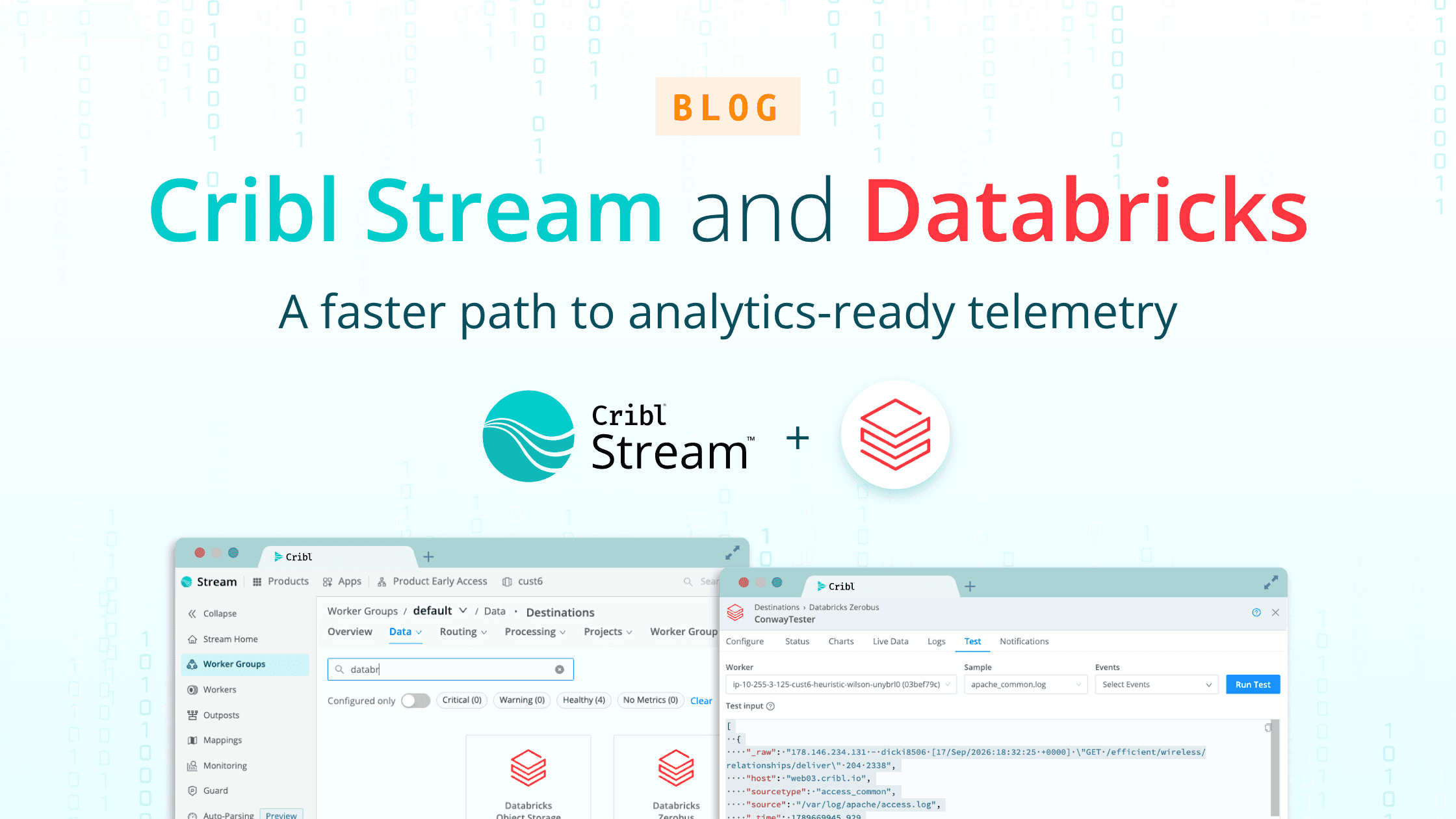

Modern enterprises are generating more high-volume observability and security data than ever, which means the cost and complexity of getting analytics-ready data into Databricks are only growing. With the new Databricks Destination for Cribl Stream, organizations finally have a governed, scalable, and cost-efficient way to take full control of their data pipelines, accelerate AI-driven analytics, and unlock real business value from their Databricks investment.
Why Ingestion Into Databricks Is Still Broken
Security operations, IT, and data engineering teams are under pressure to deliver insights and drive innovation, but the mechanics of moving data into Databricks are a persistent pain point:
Custom ETL pipelines break under scale or schema drift, stalling analytics and risking data loss.
Manual retries and brittle connectors delay time to insight and introduce operational risk.
Governance gaps, like missing lineage, inconsistent permissions, and lack of audit telemetry, undermine compliance and threaten data trustworthiness.
All of this limits analytics agility, increases costs, and creates blind spots exactly where they hurt most: in high-volume use cases.
Cribl + Databricks: Put Your Data to Work
Cribl's Databricks Destination flips the script by turning Databricks into a living platform for governed security and observability analytics:
Deliver only what matters: Cribl preprocesses, shapes, and filters data from any source (security alerts, logs, metrics, and more) before it ever lands in Databricks, reducing costs while ensuring analytic readiness.
Enforce governance from the start: Automated Unity Catalog alignment, audit telemetry, and credential validation help you stay ahead of compliance needs and keep your analytics trustworthy.
Streamline operations: Built-in resilience to API rate limits and dropped uploads means your pipelines stay up, even under unpredictable enterprise loads.
No rewrites, no disruption: Instantly stream data in the right format (Parquet or JSON) with no pipeline rewrites, so teams can expand analytics to new data types and sources when they need, not when engineering tickets clear.
This new Destination helps teams build a true foundation for scaling analytics, slash costs, and finally realize the full promise of their Databricks instances.
Real Business Outcomes: From SIEM Augmentation to Compliance at Scale
SIEM augmentation and cost savings: Move enriched, compliant security data into Databricks Delta Lake and Unity Catalog, unlocking threat hunting and ML-driven analytics with years of searchable history, all for a fraction of SIEM or traditional data lake costs.
Reduce observability spend: Filter and optimize massive log and metric volumes before storage, gaining visibility and troubleshooting depth without runaway cloud bills.
Migrate off legacy platforms: Gracefully transition data from legacy SIEM and analytics tools into Databricks, enabling a risk-free, incremental journey.
Enforce data lineage and compliance: Automate routing into the right Unity Catalog volumes with complete lineage and audit controls, making regulatory reviews faster and analytics more reliable.
How the Databricks Destination Delivers Choice, Control, and Flexibility for IT and Security Teams
Control: Governed, auditable ingestion aligned with Unity Catalog. Cribl enforces paths, credentials, and telemetry so every record is easily traced and regulated.
Flexibility: Pipelines adapt as your analytics needs change. Dynamic routing, transformation, and at-scale delivery keep your data future-proof.
Choice: Select which data, formats, and tools you use. No more paying for “all the data” or getting locked into a single model. Just pure analytics freedom.
Step-by-Step Integration Guide
Get Started: Prerequisites
Before beginning, ensure you have:
Access to Cribl Stream (admin privileges)
Access to an instance in Databricks (admin privileges)
Set up the Databricks Schema
Log into Databricks. Navigate to Catalog → Main repository

Select Create schema in the top right.

Select Create a new external location

Select AWS Quickstart or Manual. This demo will focus on the AWS Quickstart.
Select Next

Add the Bucket Name for your existing S3 bucket.
Generate a Personal Access Token (be sure to copy the Token before proceeding)
Select Launch in Quickstart

This will launch the AWS Stack Configuration experience. Most of the data is prefilled.
Paste the Databrick Personal Access Token.
Acknowledge the AWS CloudFormation message.
Select Create Stack.
The new external S3 bucket will be created. Behind the scenes, the S3 bucket will be used to facilitate the integration.
Set up the Databricks Service Principal
Select the User Profile Icon in the top right corner of the Databricks instance. Select Settings.

Workspace admin settings → identity and access → Service Principals
Select Manage

Select Add service principal
Complete the steps to add a new service principal. Copy and save the Application ID. This will be used as the Client ID in the Cribl Stream Databricks Destination configuration in the next steps.
Select the newly created Service Principal from the list.
Select Secrets.

Select Generate secret. Copy and save the Secret. This will be used as the Client Secret in the Cribl Stream Databricks Destination configuration in the next steps.
Create the Databricks Destination in Cribl Stream
Log into Cribl. Navigate to Stream and a worker group. Select Data → Destinations

Search or scroll to the Databricks tile. Select the tile and select Add Destination.

Name the Destination by entering an OutputID.
Optionally add a Description.
Select a Data Format.
Optionally add an Upload Path. This will add a folder to the S3 bucket if one is not created already.
Optionally adjust the Staging location.
Optionally adjust the Partitioning expression.
Optionally adjust the Compression.
Optionally adjust the File name prefix expression. This will be prepended to the file names in Databricks.
Optionally adjust the File name suffix expression. This will be added to the end of file names in Databricks.
Select a Backpressure behavior.
Optionally add Tags.
After General Settings are entered, select Unity Catalog OAuth from the left navigation menu.

Enter the Workspace ID. This may be found in the Databricks Workspace URL. For example: https://<databricks-instance>.cloud.databricks.com
Enter the Client ID. See the “Set up the Databricks Service Principal” section above.
Enter the Client Secret and ensure it is created and stored as a Databricks secret using the Create option, rather than entered in plain text. Also enter the required OAuth scope, which defaults to
all-apis. See the “Set up the Databricks Service Principal” section above.
After Unity Catalog OAuth settings are entered, select Databricks Settings from the left navigation menu.

Databricks Settings are prepopulated with the Databricks defaults.
Optionally update Catalog, Schema, Events volume name. Please note: these need to match the Unity Catalog Databricks settings. If there is mismatch, the Cribl Stream Destination will return a logging error when trying to send data.
Select Save.
Commit and Deploy.
Send a Test Event
From the Databricks Destination panel, select Test in the upper navigation menu.

Choose a sample file or paste your own and select “Run Test”.
Validate in Databricks
Log in to Databricks. Select Catalog. Navigate to the external location that was configured. For example: My organization → main → external → event.

A folder with the Upload path that was configured in the Cribl destination will appear (if not already created).

Select the folder and navigate through the subfolders. Notice that the subfolders match the partitioning expression in the Cribl Stream Destination.
The file name will include the prefix and suffix expressions configured in the Cribl Stream Destination.
The Bottom Line: Data Confidence at Any Scale
Cribl’s Databricks Destination moves your team from reactive to proactive, ensuring the right data reaches the right place, always ready for analysis, compliance, or innovation. With this integration, enterprises can move faster, spend less, and make bold bets with real data confidence.
Ready to streamline how you use Databricks?
Try Cribl.Cloud for free and validate your Databricks ingestion pattern (or head over to our Community to connect with other users using Cribl with Databricks)!
This is the signal boost you’ve been waiting for.