

Apps make it seamless to connect capabilities across the Cribl ecosystem that were once difficult to bring together. Edge helps manage data collection agents at massive scale; Stream processes, transforms and routes data in motion; Search lets teams investigate data while Lake provides an open, scalable place to retain and query it all in a cost-effective manner.
Apps supercharge these capabilities by turning them into purpose-built workflows that bring collection, processing, storage, and analysis together around the way each team works. Now these workflows can extend beyond the UI experiences they once provided.
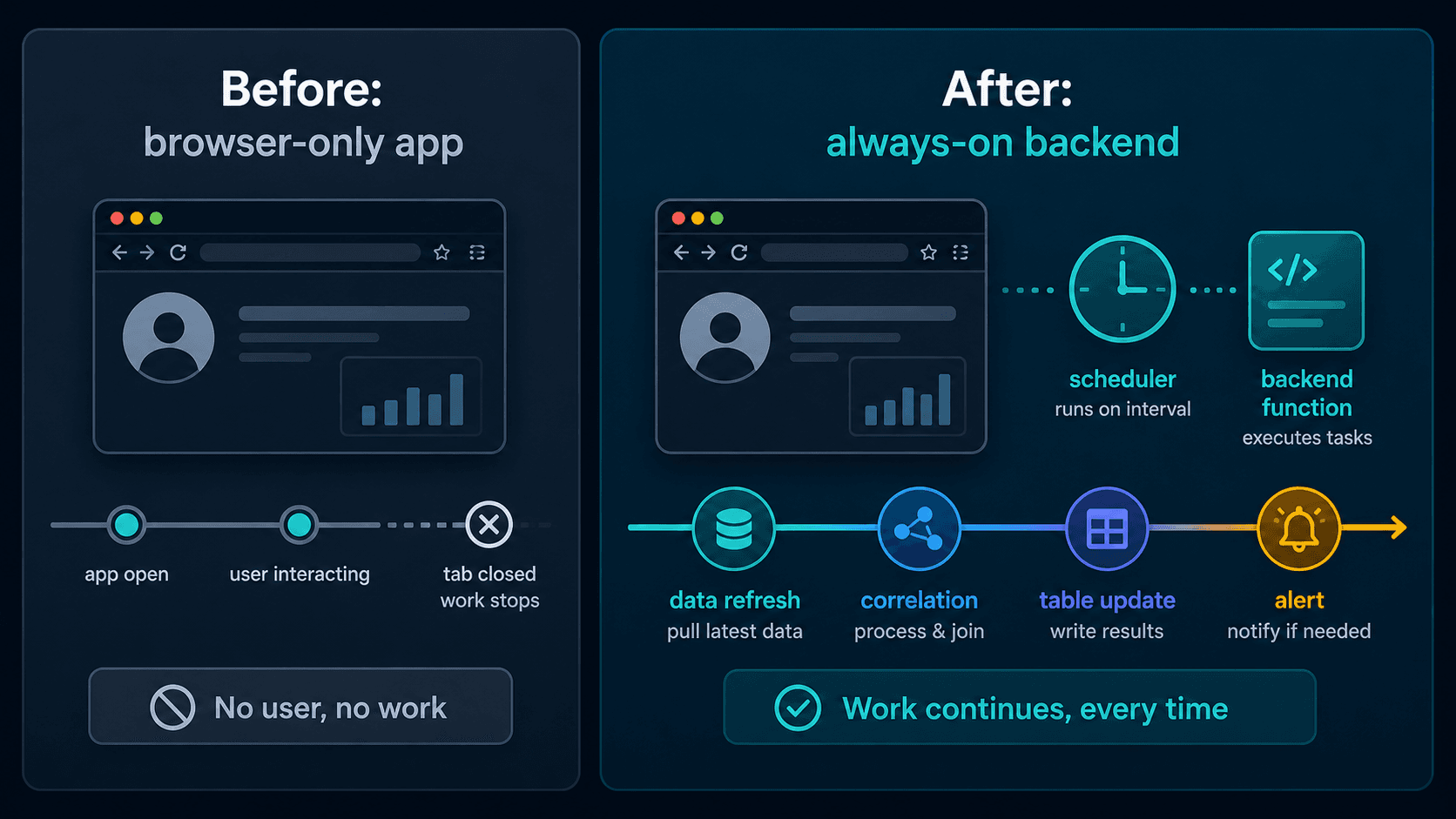
With our latest 4.20 release, Cribl Apps take a major step beyond the browser with backend functions. Backend functions let an app expose HTTP endpoints and run jobs on a schedule, so developers can build workflows that continue operating when no one is actively using the UI. Check it out:
The release also moves apps to general availability 🎉, making this a foundational capability for building and running custom applications on Cribl.
Build apps that keep working in the background
Backend functions are an extension point for app-specific orchestration when a user action or scheduled task needs to coordinate across Cribl capabilities or external services. For example, a user-invoked function might start an incident investigation by launching targeted Cribl Search queries, replay a selected slice of data through Stream, or initiate a cross-team data-onboarding request through a custom workflow. Scheduled functions extend this pattern to recurring work: an app could periodically retrieve updates from a threat feed, update a lookup table within Stream, and make the latest entries available to a pipeline for enrichment. In each case, the function coordinates the workflow while Cribl handles the underlying data work.
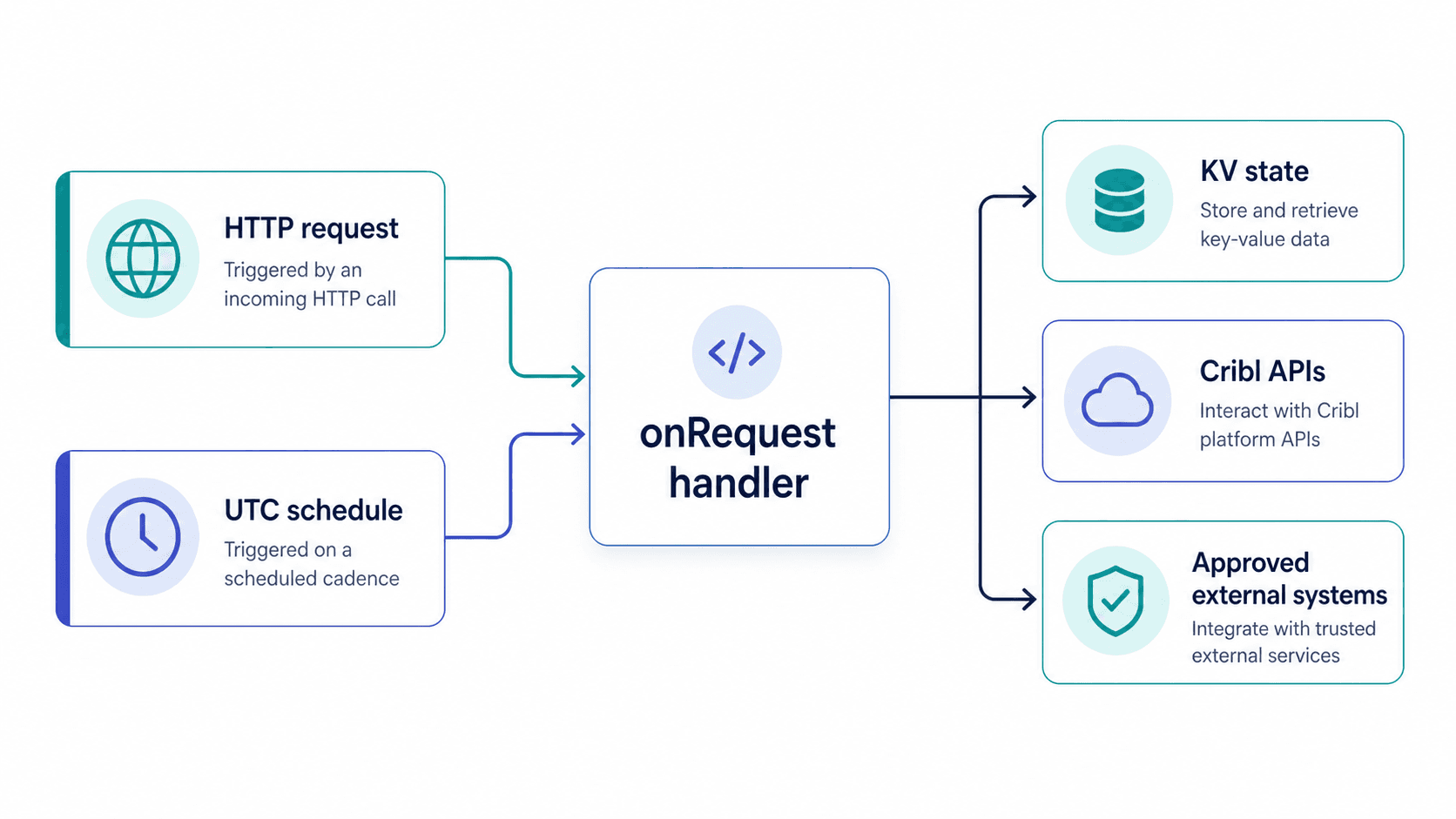
Both triggers use the same handler model. Developers define an endpoint and implement an onRequest function; scheduled invocations arrive as synthetic HTTP requests to that same handler. This keeps the programming model straightforward while supporting both interactive and unattended workflows. See the Builder Guide for the development model and app lifecycle.
Extend Cribl without building a separate service
Backend functions make it possible to add functionality that does not exist as a native product API, without asking teams to stand up and maintain a separate application runtime. An app can combine Cribl APIs, app-scoped state, and approved external API access into a purpose-built workflow.
For example, a scheduled function could query Cribl, store its last-run state in the app’s key-value store, and send a result to an approved external system. The app’s policies declare which Cribl API endpoints it can use, while its proxy configuration defines which external systems it can reach. Developers can focus on the workflow rather than the underlying infrastructure that would otherwise be required to operate these services.
Secure execution is part of the platform
Backend functions run in a platform-managed Node.js environment. The Runtime, Architecture, and Security guide explains the execution boundaries, credentials, and outbound traffic controls.
Cribl validates the backend manifest and endpoint scripts at install, then deploys the function during the app installation.
That design carries the app framework’s trust boundary into server-side execution. App state remains installation-scoped, external access is restricted to approved destinations, and API access is governed by the app’s declared policies. Administrators can review the app’s backend endpoints, permissions, and external API access as part of the install and upgrade experience. using the Admin Guide as a reference.
A new foundation for app development
Backend functions turn apps from interactive experiences into always-on systems. They give developers a practical way to automate background tasks, respond to requests, and extend Cribl for workflows that are specific to their teams and data.
The result is a more complete application framework: a place to build the interface, the workflow logic, and the operational automation together—without giving up the security and governance needed to run custom code responsibly.
To start building, review the Builder Guide and Quick Start, then look for workflows that benefit from an always-on backend: scheduled data pulls, continuous correlation, table updates, or alert automation. With a declared schedule or direct invocation, your app can keep that work moving without a user in the UI—while administrators retain visibility into its backend functions and schedule state during install and upgrade.
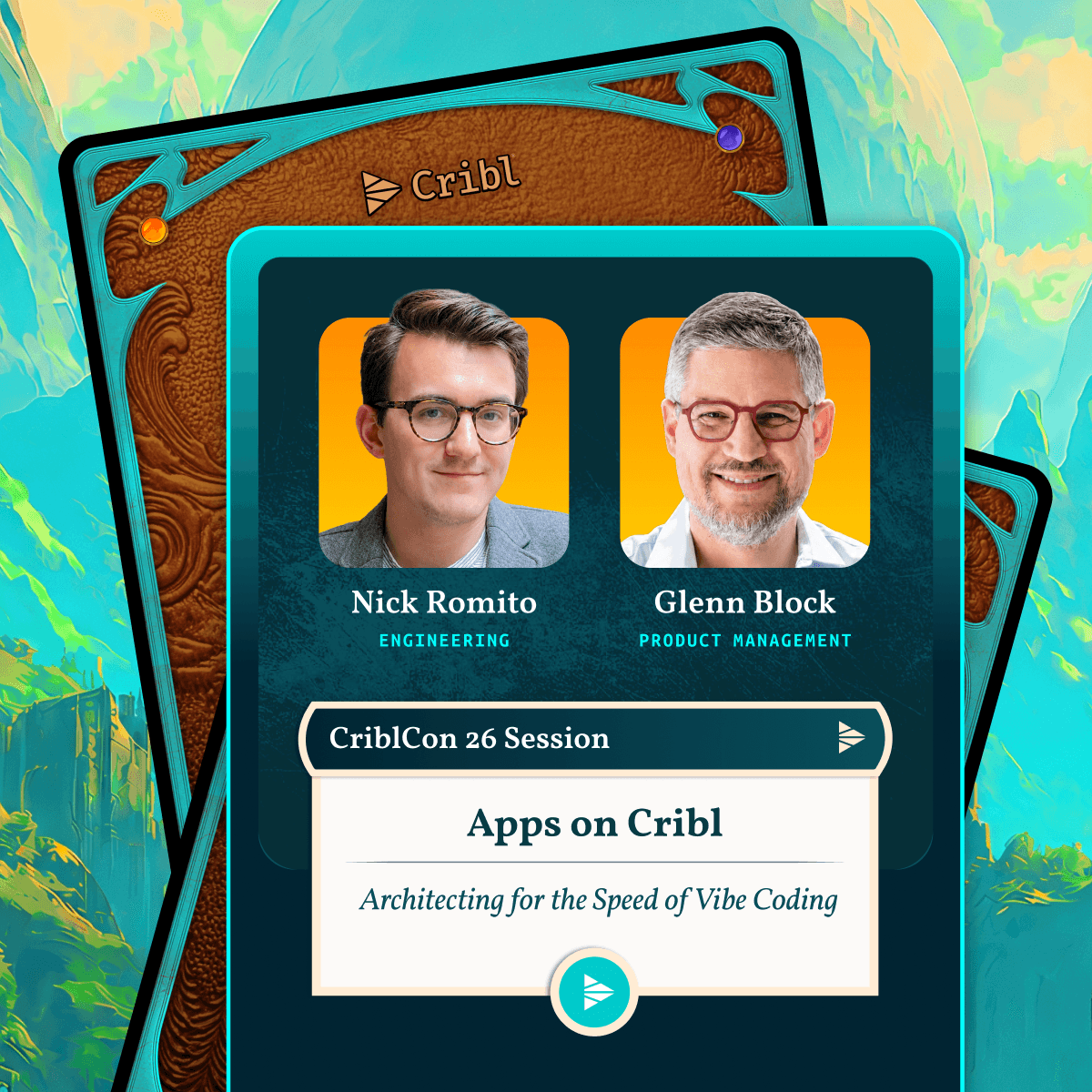
If you’re attending CriblCon 26 this year, be sure to check out Glenn Block and Nick Romito’s session: Architecting for the Speed of Vibe Coding: Building Apps on the Cribl Platform.