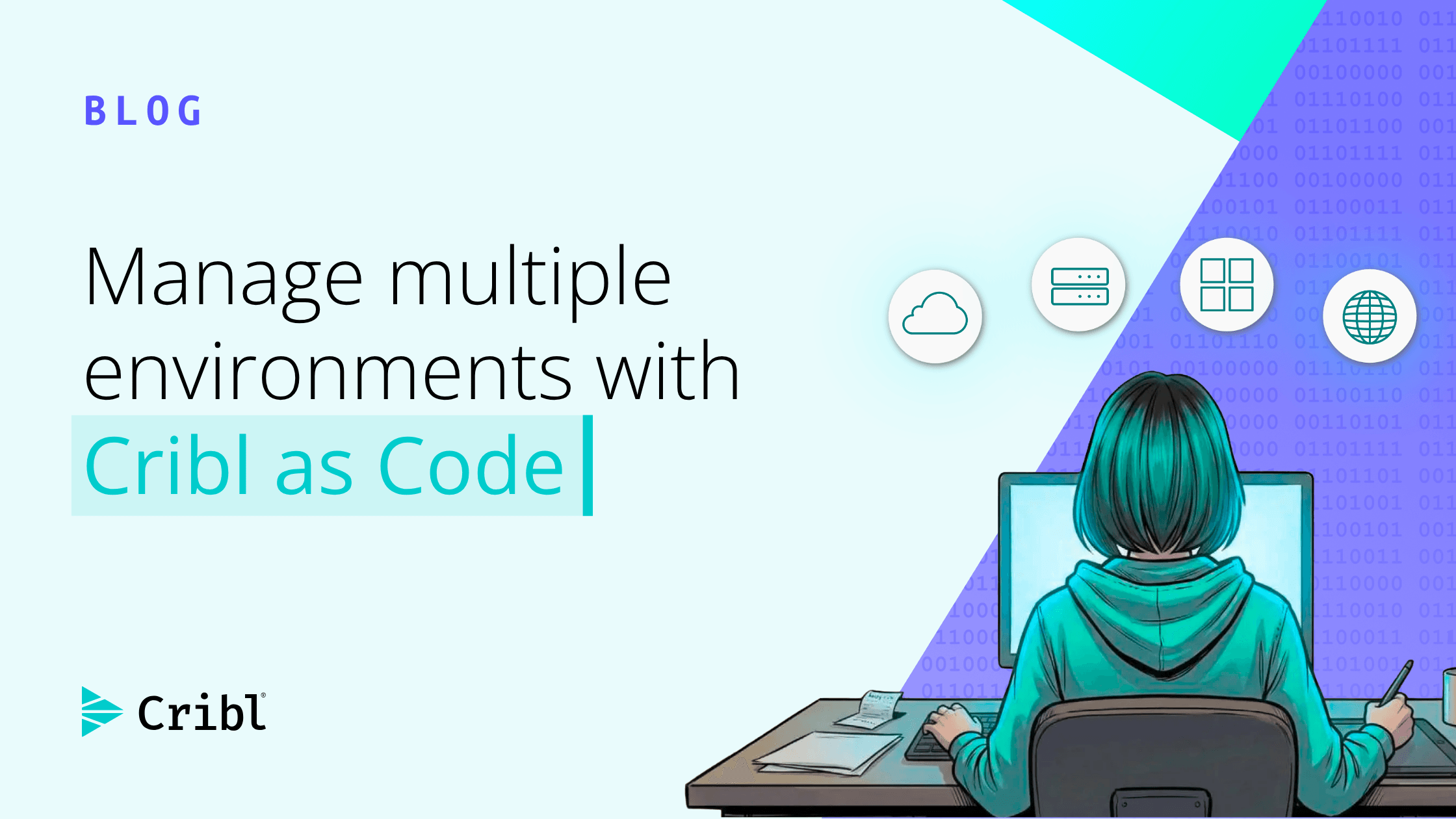

When first integrating with Cribl, your initial change management workflow might revolve around manually applying the same changes in your lower and production environments. However, as you begin to scale, this approach quickly becomes a bottleneck and a risky workflow. Manual edits in your production environment expose a misconfiguration risk that can lead to data loss or unpredictable behavior.
Cribl as Code solves this problem of multi-environment change management and reduces the risk when deploying to production.
With Cribl as Code, the code is the source of truth of your Cribl configuration; and any change to your configuration is a change to a few lines of code similar to how you manage your other codebases. That code change then becomes a pull request that your team can peer review before your CI/CD pipeline deploys the changes to your targeted environment. This process ensures only peer-reviewed and tested changes make it to the production environment - giving you increased confidence in your production deployments.
In this blog post, we'll talk in more depth about multi-environment change management with Cribl as Code. If you're looking for a detailed step-by-step guide on how to set up this workflow, including detailed code samples, check out this guide.
The case for segmented environments
Using one environment for both development and production results in a few problems. First, development and production data is mixed into one environment - resulting in noise when analyzing production data. Secondly, making changes directly in a production environment opens the door for misconfiguration which can lead to data loss or an unpredictable system.
Therefore, the need for segmented Cribl environments with a production and non-production environment is clear. Within the lower environment, you can make and test your changes before promoting the validated changes to the Production environment. With this approach, by the time changes make it to Production, they are vetted and are less likely to cause unexpected issues in your system.
The problem with ClickOps in production
Segmenting environments is a great starting point, but it's not the complete picture. Deploying and validating changes in a development environment is great; but if you still have to manually apply changes in the Production environment, you are leaving the door open for misconfiguration.
For example, imagine modifying complex Pipeline and Routing logic in your Cribl environment. You make the changes in the development environment and validate that the behavior matches the intended behavior. However, you still have to apply those changes to the production environment. Doing so manually exposes the possibility of misconfiguring your Production environment. This can happen due to a typo, selecting the wrong item in a menu, or copying the wrong information.
Although convenient, this is the nature of ClickOps. Changes made manually leave the door open for mistakes; and this risk exists for every manual config change.
The Cribl as Code way
Cribl as Code eliminates this risk. With Cribl as Code, you define your configuration as code so your changes are edits to a file that are peer reviewed with a pull request. The changes are then automatically deployed to your development environment where your team validates the changes. Once validated and approved, the changes are safely promoted to the production environment via your CI/CD pipeline.
With this approach, your day-to-day workflow will look as follows:
Create a feature branch off the
devbranch: Make your Cribl configuration changes in the feature branch, such as adding a Route or adjusting a Cribl Pipeline.Open a pull request into the
devbranch: Your team reviews the pull request similar to how they review other PRs.Merge into
dev: Once approved and merged, the CI/CD pipeline deploys the changes to the Development environment.Validate in Development: Send test data through the updated configuration and confirm it behaves as you expect.
Open a pull request to merge
devintoprod: Review the changes validated in theDevelopmentenvironment once more before merging into theprodbranch.Deploy to the Production environment: Once the
prodbranch pull request is approved and merged, the pipeline deploys the changes to theProductionenvironment.
With Cribl as Code, you never modify your production environment manually. Instead, your CI/CD pipeline deploys peer-reviewed and tested changes the same way every single time; and, since changes only flow in one direction (development to production), production deployment risk is drastically reduced.
Learn more
To learn how to set up this dev-to-prod workflow with detailed code samples, check out the “Manage Cribl Deployments Across Environments with Cribl as Code” Cribl Curious guide. With this guide, you'll learn how to build a CI/CD pipeline that deploys code from your Development environment to your Production environment using Terraform and GitHub Actions. This hands-on practical example will fast track you to an end-to-end dev-to-prod workflow!