
At Cribl, we build products for telemetry data management, and we also build AI systems to support internal workflows.
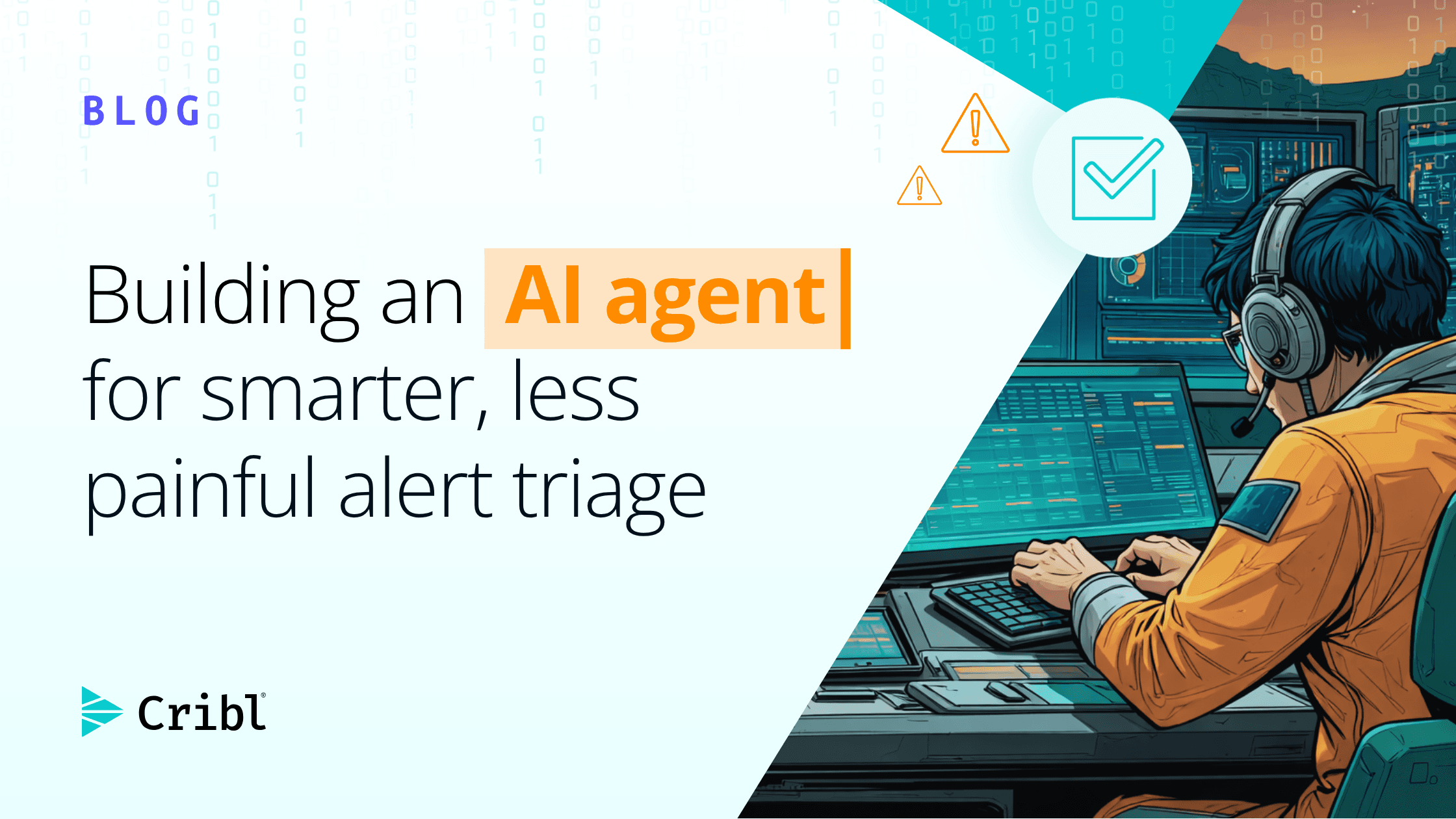
For example, we built an internal alert triage AI assistant that reads our alerts, gathers context from the same tools our on-call engineers use, and either takes mitigation steps automatically or escalates to the on-call engineer.
This post shares the practical lessons from that work. The implementation is internal, so this is not a code walkthrough. Instead, it outlines a set of patterns that should apply to any team trying to connect AI to telemetry.
The problem: alert fatigue is a context problem
On-call engineers spend a lot of time responding to alerts that ultimately turn out to be noise.
When a page fires, the responder often repeats the same manual workflow: check the dashboard, search the chat tool to see whether someone is already investigating, look for a recent incident, find the runbook, and decide whether the alert is real.
Most of that investigation is context gathering. The data already exists; it is just spread across five or six different systems.
This is exactly the kind of repetitive, multi-source work an AI agent is well suited to handle, if you can connect it to the right data.
So we built a triage AI bot.
When an alert lands in a channel, the bot gathers context from our metrics and logs, past incidents, runbooks, and even other channels in our chat tool. It then posts a recommendation that includes cause analysis, mitigation steps, and paging guidance.
A human still owns the decision. The bot does the legwork.
The first lesson: input context is the real bottleneck
Most teams start by thinking about the model's final answer: the summary, the recommendation, or the sentence that says "page" or "do not page." In practice, that output is often tiny compared with the input required to produce it.
An alert investigation can include the alert payload, tool descriptions, resource lists, metric query results, incident history, thread context, and snippets from runbooks or tickets.
All of that becomes input context.
The agent may produce a short answer, but the expensive part is the context it had to read to get there.
That changes how you evaluate an AI operations workflow.
The useful questions are not just "Was the answer good?" They are:
How much context did the model receive?
How many tools did it call?
How long did the investigation take?
Which data sources actually changed the recommendation?
Which context was noise?
If you do not measure those things early, every model comparison becomes guesswork.
One model may produce a cleaner answer but require twice as many tool calls. Another may be cheaper per token but need larger prompts to behave consistently. Without investigation-level metrics, it is hard to know which one is operationally better.
Here are some of the metrics we measured for this agent from day one:
Context size per investigation
Tool calls per investigation
Cost per investigation
These metrics are especially important during development. They show whether the agent is becoming more efficient or simply more verbose. They also let you estimate the approximate cost of triaging a single alert, which gives you a baseline for comparison.
MCP makes access easier, but access is not the whole problem
We store logs and process metrics with Cribl products such as Cribl Stream, Cribl Search, and Cribl Lake.
For an AI assistant to help with operations, it needs access to that data.
MCP, the Model Context Protocol, gives agents a standard way to connect to tools and data sources, and Cribl provides an MCP server that can integrate with an AI agent by using an API key.
That is powerful, but access alone is not the whole problem.
First, API keys have limits.
Treat key management as part of the architecture, not as a setup detail. Decide which workspaces and services the agent needs, how credentials are stored, who owns rotation, and how access will scale if you move from a prototype to a broader workflow.
Second, permissions need to be scoped by workspace and by service.
"Read access" is not a universal concept across tools.
In one service, it may be enough to query the data you need. In another, specific datasets or virtual tables may require a higher permission level.
The safe pattern is to grant the narrowest access that supports the workflow, then verify with real queries that the agent can reach the data required for the investigation.
Third, every connected tool becomes part of the model's operating environment.
The agent does not just see the result of a tool call. It may also see tool names, descriptions, schemas, and intermediate results.
That metadata is useful, but it is also the context you pay for and the context the model must reason over.
More tools can make the agent worse
The obvious prototype is to connect everything: metrics, logs, incidents, docs, tickets, chat, cloud tooling, and a few command-line utilities.
That feels empowering. It also makes the agent harder to control.
More tools create three failure modes.
First, they increase baseline context.
Each tool needs to be described to the model well enough for the model to choose it correctly. If you connect many MCP servers, the tool catalog alone can become large.
Second, they increase exploratory calls.
When a model has several plausible ways to answer a question, it may try more of them than a human would. That can improve recall, but it can also add latency, cost, and confusing intermediate context.
Third, they increase the chance of irrelevant evidence.
An agent can retrieve data that looks related but does not actually change the triage decision. If that data stays in context, it competes with the signal.
The most useful fix is tool curation.
Disable tools the workflow does not need. Some MCP servers allow tools to be disabled through environment variables or configuration. Use that.
A triage assistant does not need every tool that an exploratory debugging assistant needs.
Another useful pattern is a middleware MCP server.
Instead of exposing a noisy backend system directly, a thin middle layer can return a brief description first and fetch detailed context only when the model asks for it.
This is a tradeoff: it may add a tool call, but it can reduce the amount of context carried on every turn.
For alert triage, that tradeoff is often worth testing.
In some cases, a CLI tool is also the simpler answer.
Not every integration needs a full MCP server if the agent only needs one predictable lookup.
The goal is not to maximize tool richness. The goal is to give the model the smallest reliable surface area for the job.
Conclusion
AI-driven telemetry is not just a model problem. It is an operations architecture problem.
The teams that get value from AI agents will be the ones that design the surrounding system carefully: narrow workflows, curated tools, scoped permissions, measured investigations, and clear decision rules.
With that foundation, an alert triage assistant can reduce repetitive work and help engineers focus on the incidents that actually need them.
If you are connecting an AI agent to telemetry, start small and make the first workflow measurable.
The lesson from our internal triage assistant is that the model is only one part of the system.
The durable engineering work lies in context control, permission design, measurement, and operational guardrails.
When those pieces are in place, AI can be genuinely useful for SRE work, not because it magically understands your production environment, but because it can gather the right evidence quickly and present it in a form an engineer can act on.